
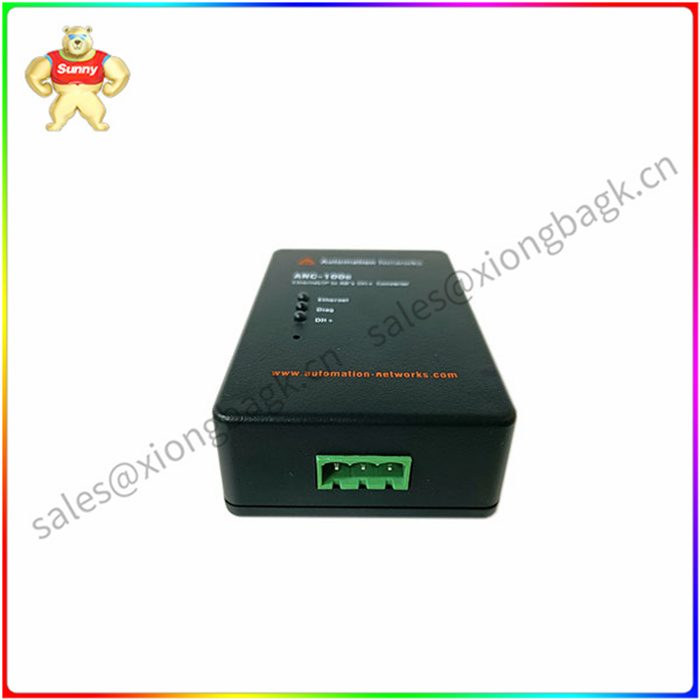
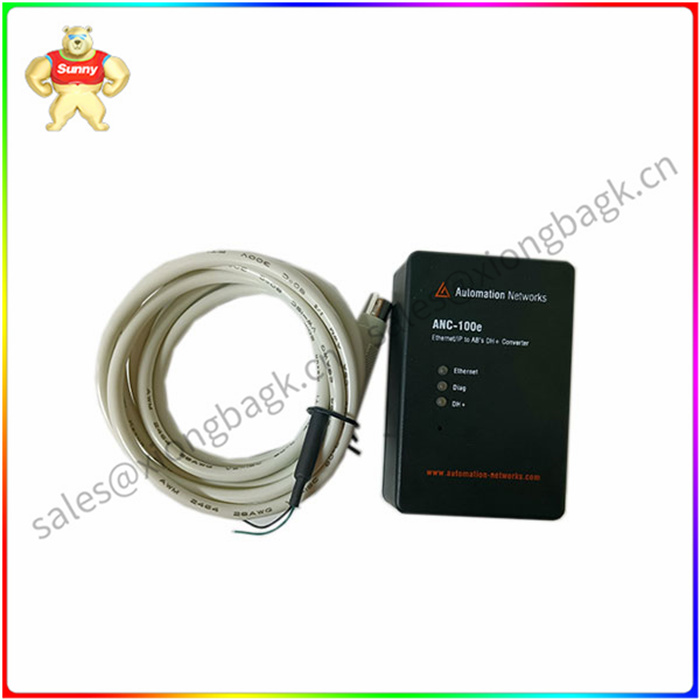
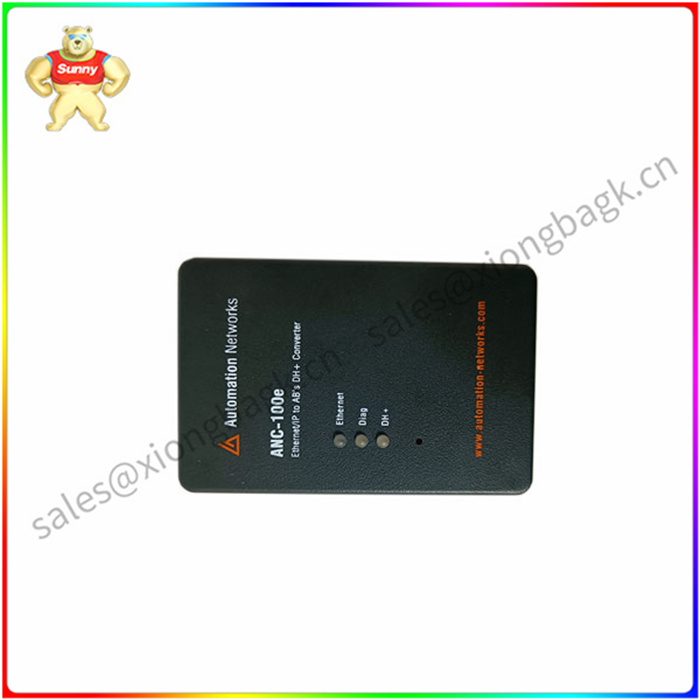
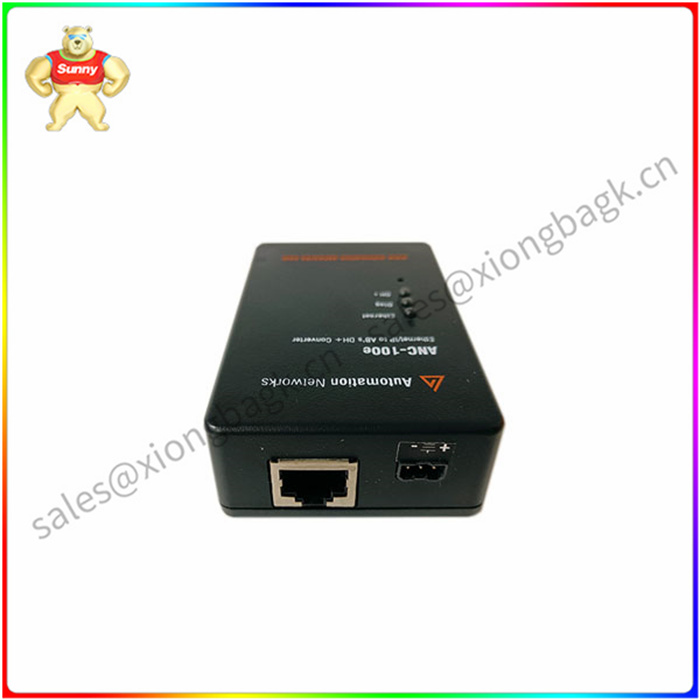
PROSOFT AN-X2-AB-DHRIO 网关通讯模块
PROSOFT AN-X2-AB-DHRIO在安装Windows 98SE之前,确保BIOS设置为分配中断USB控制器。还要确保“已安装的O/S”设置为“Win98/Win2000”。看见有关更改BIOS设置的指南,请参阅第87页的“BIOS设置”。
按照提供的说明开始安装Windows 98SEWindows 98SE手册。在“Windows 98SE安装向导”的“安装选项”部分,确保选择“典型”,然后单击“下一步”。
根据需要输入用户名和公司名称,然后单击“下一步”。在安装向导的“Windows组件”部分,确保“安装”选择“zui常见组件”,然后单击“下一步”。继续安装,直到Windows 98SE完全安装完毕已zui后一次重新启动。请注意,计算机将重新启动几个Windows 98SE安装过程中的次数。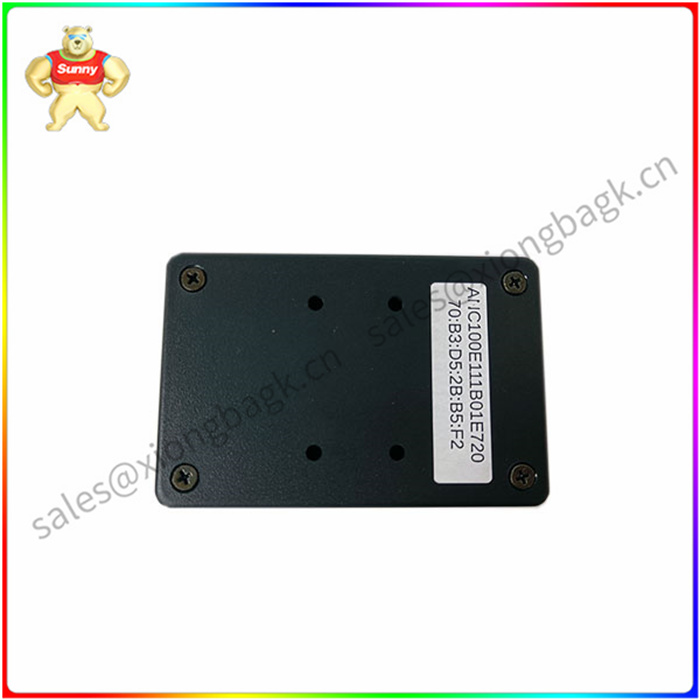
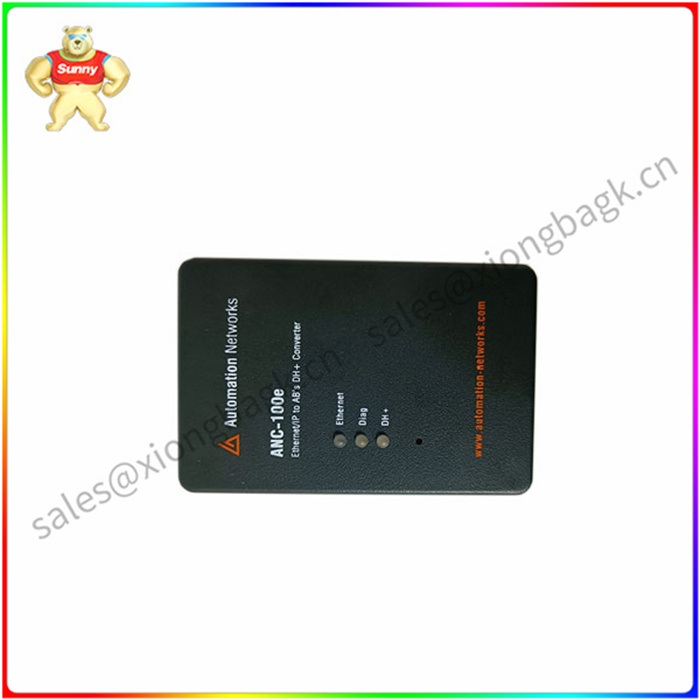
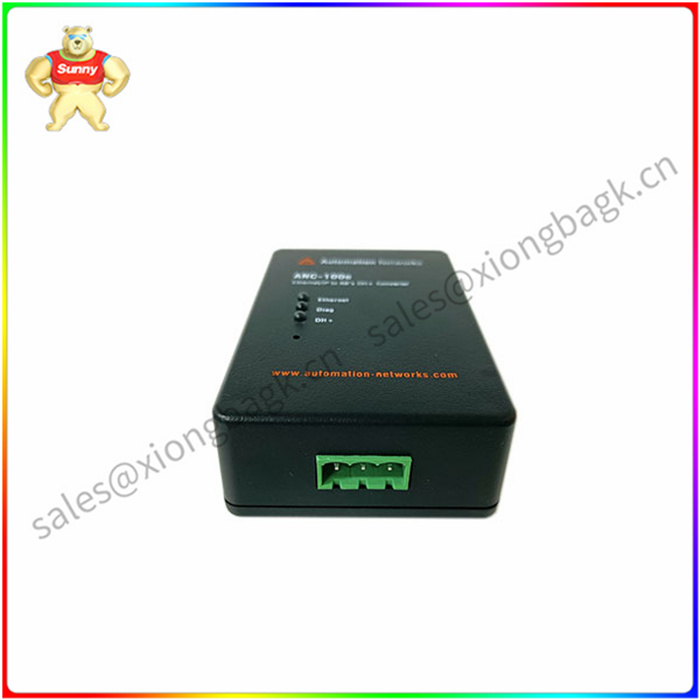
PROSOFT AN-X2-AB-DHRIO 网关通讯模块
PROSOFT AN-X2-AB-DHRIO Before installing Windows 98SE, make sure the BIOS is set to assign interrupt USB controller. Also make sure "Installed O/S" is set to "Win98/Win2000". For guidance on changing BIOS Settings, see "BIOS Settings" on page 87.
Follow the instructions provided to begin installing Windows 98SEWindows 98SE Manual. In the Installation Options section of the Windows 98SE Installation Wizard, make sure to select Typical, and then click Next.
Enter the user name and company name as required, then click Next. In the Windows Components section of the installation wizard, make sure Install selects Most Common Components, and then click Next. Continue installing until Windows 98SE is fully installed and rebooted for the last time. Note that the computer will restart several times during the Windows 98SE installation.
立即询盘
1.所有产品图片均为实物图,如需更多图片请联系我们。
2.所有售出产品质量保证一年,如果您在一个月内收到货物
我们可以给您更换或退回任何质量问题。
3.我们是中国大的工控产品供应商,如果您需要其他类型的产品,
请向我们询问,我们会立即给您答 ^K zmx

PROSOFT AN-X2-AB-DHRIO 网关通讯模块
型号推荐
BENTLY 125840-01 3500/15小卡 控制I/O模块
BENTLY 135489-03 3500/42M小卡 数字量输出子模件
BENTLY 135489-01 3500/42M小卡 多功能控制器
BENTLY 330130-045-00-00 数字量输入子模件
BENTLY 3500/25 控制输入输出子模件
BENTLY 149992-01 3500/33小卡 模拟量输入子模件
BENTLY 3500/34 DCS控制器模块
BENTLY 146031-01 模拟量输出子模件
BENTLY 1900/27 隔离模拟信号输入模件
BENTLY 3500/50 变频器触发板
BENTLY 3500/33 I/O扩展接口板
BENTLY 1900/65A 励磁通讯适配器
BENTLY 3500-20-01 通用电气模块
BENTLY 3500-20-01 以太网模块
BENTLY 35001513330001 火检处理器
BENTLY 35001513329201 测量板
BENTLY 3500151276100110 机器人配件
BENTLY 3500151276100100 板卡
BENTLY 35001512761001 开关量输入模块
BENTLY 3500151258400100 功率电源驱动板



 QQ在线客服