
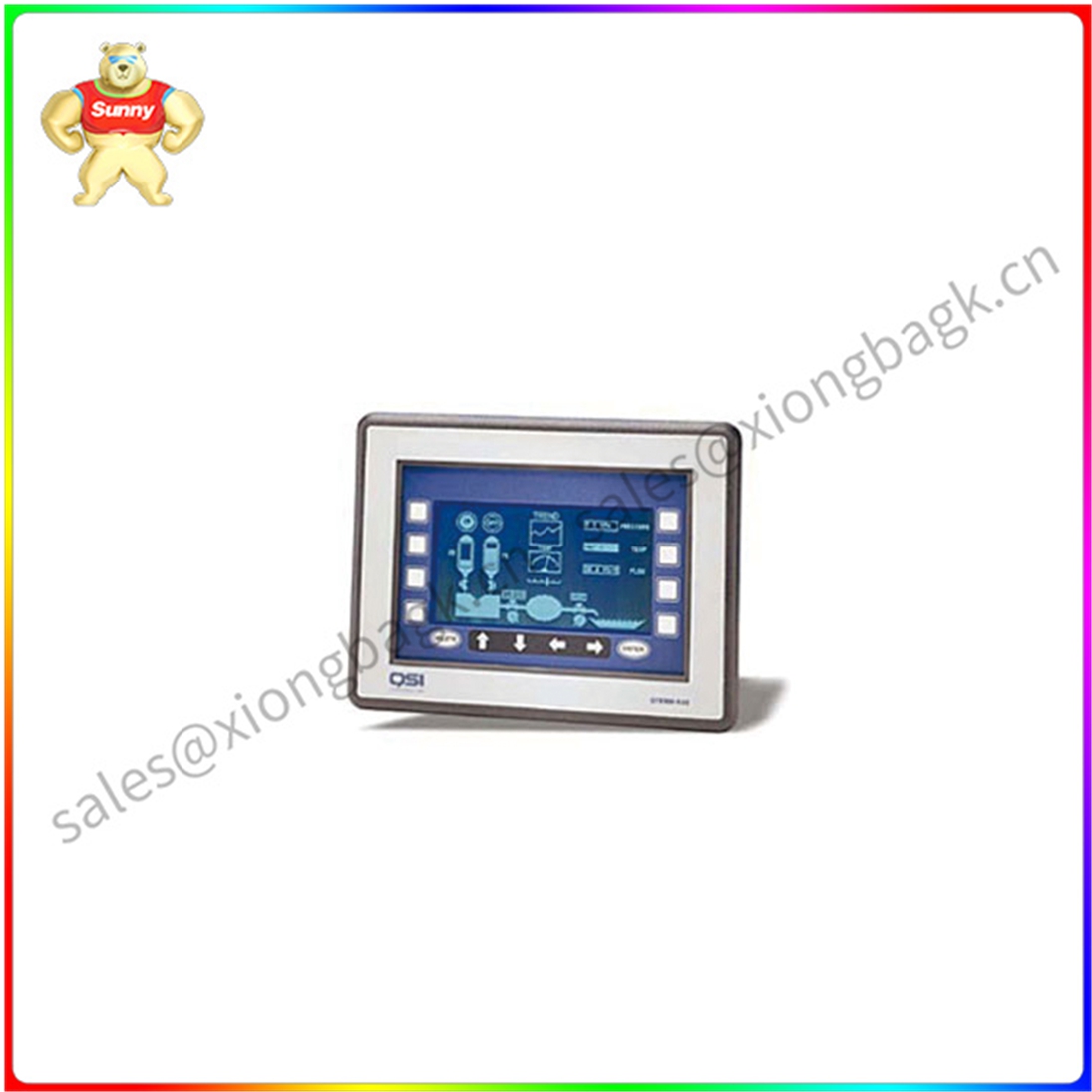
QTERM-K65 面板安装人机界面
QTERM-K65 是一款面板安装式的人机界面(HMI),通常用于工业自动化、过程控制等领域。它通过直观的图形界面,将复杂的机器控制变得简单易懂,方便操作人员进行监控和操作。
QTERM-K65 的主要特点
面板安装: 设计紧凑,可以直接安装在控制面板上,节省空间。
触摸屏操作: 支持多点触摸,操作直观便捷。
丰富接口: 提供多种通信接口,如RS232、RS485、Ethernet等,方便与PLC、DCS等设备连接。
强大功能: 支持多种显示元素(如按钮、开关、图表等),可自定义画面,满足各种应用需求。
数据记录: 可以记录历史数据,方便进行数据分析和故障诊断。
报警管理: 支持多种报警方式,如声音报警、画面闪烁等。
远程访问: 通过网络实现远程监控和操作。
QTERM-K65 的应用场景
工业自动化: 控制生产线上的设备,如电机、阀门等。
过程控制: 监控和控制生产过程中的各种参数。
楼宇自动化: 控制楼宇内的照明、空调等设备。
设备监控: 远程监控设备的运行状态。
QTERM-K65 的选型指南
尺寸: 根据安装空间选择合适的尺寸。
分辨率: 根据显示内容的复杂程度选择合适的分辨率。
接口: 根据设备的通信接口选择。
功能: 根据应用需求选择支持的功能。
QTERM-K65 的使用步骤
硬件连接: 将QTERM-K65与PLC等设备连接。
软件配置: 使用配套的软件配置画面、报警、脚本等。
画面设计: 根据实际需求设计操作界面。
调试: 与PLC等设备进行通信调试,确保功能正常。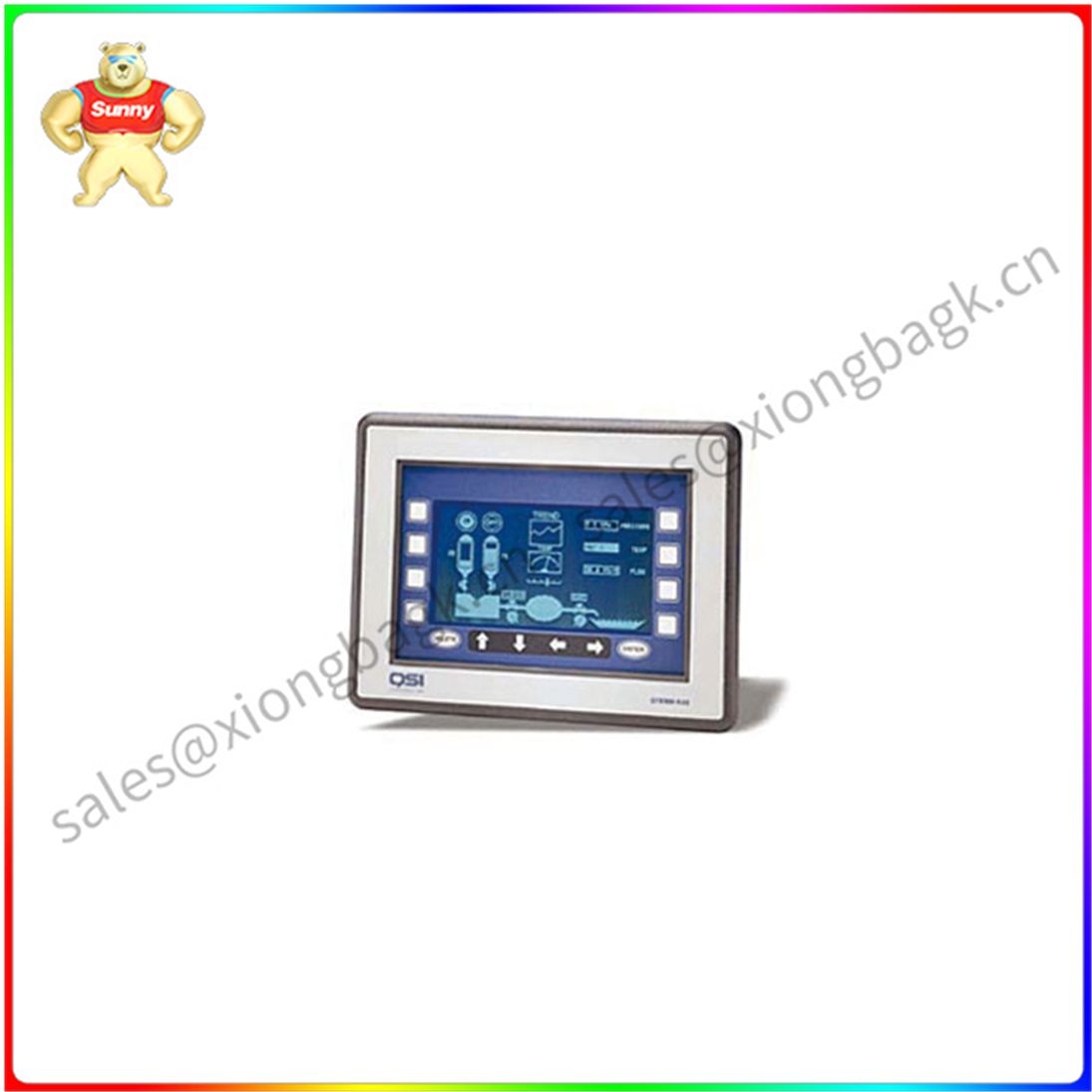
QTERM-K65 面板安装人机界面
The QTERM-K65 is a panel mounted human-machine interface (HMI) commonly used in industrial automation, process control and other fields. Through an intuitive graphical interface, it makes complex machine control simple and easy to understand for operators to monitor and operate.
Main features of QTERM-K65
Panel mounting: Compact design, can be installed directly on the control panel, saving space.
Touch screen operation: Support multi-touch, intuitive and convenient operation.
Rich interface: Provide a variety of communication interfaces, such as RS232, RS485, Ethernet, etc., easy to connect with PLC, DCS and other equipment.
Powerful features: Support a variety of display elements (such as buttons, switches, charts, etc.), can customize the screen to meet various application needs.
Data recording: Historical data can be recorded to facilitate data analysis and fault diagnosis.
Alarm management: Support a variety of alarm methods, such as sound alarm, screen flashing and so on.
Remote access: Remote monitoring and operation through the network.
Application scenario of QTERM-K65
Industrial automation: Control of equipment on production lines, such as motors, valves, etc.
Process control: Monitor and control various parameters in the production process.
Building automation: Control lighting, air conditioning and other equipment in the building.
Device monitoring: Remotely monitors the running status of devices.
QTERM- Selection guide for K65
Size: Select the appropriate size according to the installation space.
Resolution: Select the appropriate resolution based on the complexity of the displayed content.
Interface: Select the interface based on the communication interface of the device.
Function: Select supported functions based on application requirements.
Procedure for using QTERM-K65
Hardware connection: Connect QTERM-K65 to PLC and other devices.
Software configuration: Use the supporting software configuration screen, alarm, script, etc.
Screen design: Design the operation interface according to the actual needs.
Debugging: Communication debugging with PLC and other equipment to ensure normal function.
QTERM-K65 面板安装人机界面
| NI Four core processor PXIE-8840QC PXI C |
| NI PCB SBRIO-9607 Single-Board RIO OEM D |
| NI SCXI-1193 National Instruments Multip |
| NI CAN interface module PXI-8461 Local a |
| NI Wave form generator PCI-5421 Circuit |
| National Instruments NI USB-6525 Digital |



 QQ在线客服